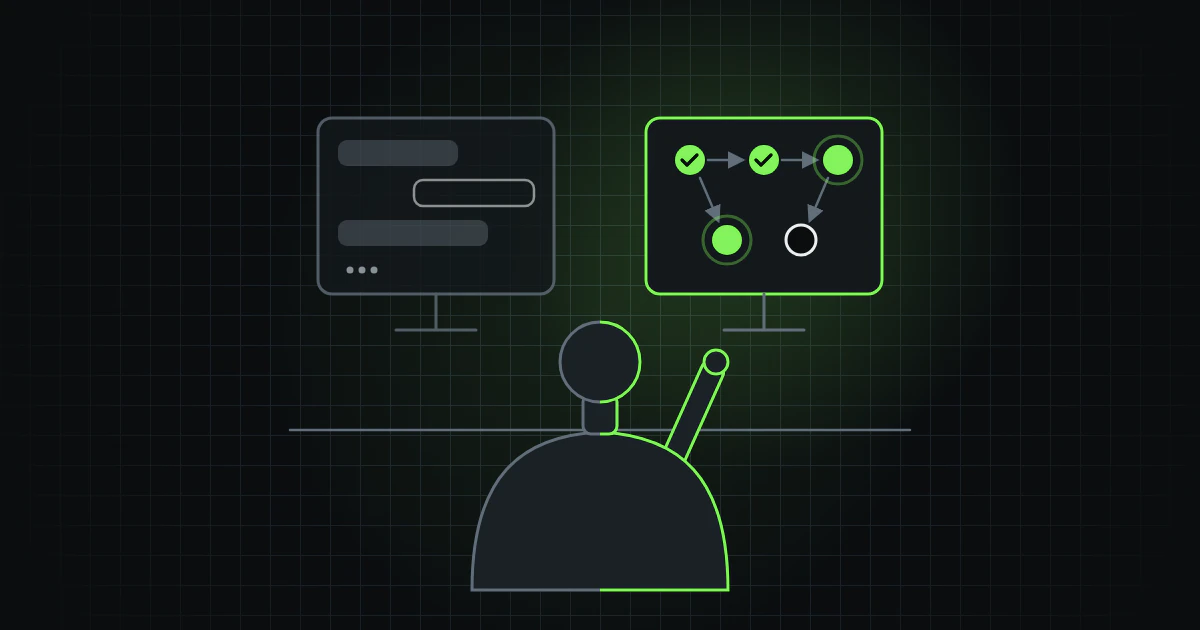
Addable Labs builds software largely with AI agents, and this site is built and maintained by what we call the factory, as we described in Why we run an agent-run software factory. Much of the work with AI happens in a chat: you paste in code, get a suggestion and paste it back.
This series describes the road from there, one building block at a time, and starts with what sets the two apart. The short answer: the model is often the same as in the chat. What is new is everything around it: an AI agent may read the project, change files, run commands and check its own work.
One bug, two ways to fix it
A made-up example: a date field in a form accepts 31 February.
This is how it goes in an AI chat: you paste in the code and describe the bug. You copy the suggestion into the editor, run the tests and see another test break. You paste the error into the chat, get a new suggestion and after a few rounds it works. The model has never seen the project, only the pieces you chose to show it.
With an AI agent it works differently. The agent runs where the code already is: in the editor, for example as a panel in VS Code, or as a program in the terminal. It can reach the project's files and run commands. You type the task into the agent's box, much as you would in a chat: "The date field accepts 31 February. Fix it and add a test." The agent finds the file, reads the code around it, makes the change and runs the tests. When another test breaks, it reads the error and tries again. When all tests pass, it shows what it has changed, and the user decides whether the change goes in.
The difference is who does the rounds. In the chat, the user runs the tests, reads the error and copies it into the chat. With an AI agent, that happens inside the tool, and the user's part becomes giving the task and reviewing the result.
Five parts
The documentation for Claude Code, Codex and GitHub Copilot describes an AI agent in much the same way: a model, instructions, tools, a loop and a layer that holds it all together.
The model is the same kind of language model as in the chat. It reasons and chooses the next step, but does nothing on its own — in Anthropic's words, "Without tools, Claude can only respond with text". The model often runs on the vendor's servers: an agent can change files locally while sending what it reads to a model in the cloud, unless a local model is chosen.
The instructions are a markdown file in the project that the agent reads at every start: how the project is built and tested, which rules apply and what to leave alone. AGENTS.md is an open format for such a file. It grew out of a collaboration that included OpenAI's Codex, among others. Since December 2025 it has been looked after by the Agentic AI Foundation (AAIF), a foundation within the Linux Foundation. Today a long list of tools reads it. The file can be short:
# Instructions for AI agents

## Build and test
- Install dependencies with `npm install`.
- Run `npm test` before you say you are done.

## Rules
- Write a test for every bug you fix.
- Change nothing in the `migrations/` folder.
- Ask before you add a new package.
There can be several such files at different levels: one for every project on the computer, one for the whole project and one for a single folder. The agent reads them from the most general to the most specific, so the closest file has the last word. The file guides the agent but enforces nothing. What must never happen is stopped outside the model — part 7 of the series is about that.
The tools let the agent do things: search the code, change files, run tests. An agent with access to the terminal can run the same kinds of commands as the person at the keyboard. Connections to systems outside the project, such as an issue tracker, are often made with the Model Context Protocol, an open standard for such connections.
The loop is the round from the date field example: take a step, look at the result, choose the next. Anthropic describes it as three phases: gather context, take action and verify results. The loop is also where the agent gets past its own mistakes. When another test broke in the example, the agent read the error, changed the code again and reran the tests, without the user having to do anything.
What holds it all together is called the harness. The documentation for GitHub Copilot in VS Code defines it as the software layer that runs an agent session and turns a language model into an agent by connecting it to context and tools, coordinating the loop and keeping track of the session. It can run as an editor extension or a terminal program, in a CI job or on a schedule. In the factory, Claude Code is the harness inside each session the mayor runs — the mayor is the agent that coordinates the factory. Around the sessions, the factory also has a layer of its own that starts new sessions and hands over between them. We will come back to that later in the series. Part of what a harness does is invisible to the user: before the model reads the project's instructions, the harness has already given it its own, about which tools exist and how to use them.
What steers the work in the factory
In the factory, four things outside the model steer the work.
Gates. When the site was built in September, a single command ran ten quality gates on every pull request. Each gate has a test proving it fails when something has been deliberately broken. That is described in more detail in How this site was built by agents.
Tasks with a clear end. The example's task has such an end: all the tests pass. In both builds, the requirements became numbered statements with acceptance criteria, and each work item got its own proof command.
Short instructions. Anthropic recommends under 200 lines per file, because longer files take up more context and are followed less closely. We saw something similar in September with the mayor's notes: the log had grown too long to read whole, so new sessions skipped most of it and took old facts as current. On 24 September the state card — rewritten whenever a session hands over to the next — was trimmed and capped.
A person at the start and at the end. The first build ran without a gate at the plan, and the founder's verdict on the result was "a page from the 90s". Since then the founder's gate has been at the plan. No article and no change to what the site says goes public without the founder reading it first.
Claude Code, Codex and GitHub Copilot
We describe all three from their documentation as it stood on 12 October 2026; the tools' terms and menu options we refer to may have changed since. The mayor works in Claude Code, but it could just as well have been one of the other two.
In Claude Code the instruction file is CLAUDE.md, and the tool can write a first draft of it from the code. If there is no CLAUDE.md, it reads AGENTS.md instead. What the agent may do without asking is set by modes: in the terminal and VS Code it starts in Auto mode unless set otherwise. An automatic check then reviews most actions in the background and stops what looks risky. In Manual mode Claude Code asks before it changes files or runs commands that do more than read. Claude Code's own file changes can usually be undone, but not what a command has changed or what has already reached other systems.
In OpenAI's Codex, AGENTS.md is the instruction file itself: Codex reads it before doing any work, one file per folder from the project's root down to the folder it works in. The nearest file takes precedence. On the local machine, Codex works in a sandbox that usually lets it write only in the project's folder, with no network unless set otherwise. An approval policy decides when it must stop and ask.
In GitHub Copilot in VS Code the instruction file is
.github/copilot-instructions.md,
and Copilot reads AGENTS.md too. With the default
Manual permissions
setting, Copilot asks before it runs commands or uses other tools — except
common read-only commands — but
changes files in the project folder without asking.
A
checkpoint
restores the files and the chat to how they were before a given request,
but not commands that have run or changes in other services.
What comes next
The series takes the building blocks one at a time. The working titles may change along the way.
- From AI chat to agentic work (this part)
- The instruction file
- Agents with a scope each
- Skills, for work that must be done the same way every time
- MCP, how an AI agent reaches other systems
- Where the AI agent runs and who starts it
- Set the limits in advance
- What has changed along the way — the latest models need less steering than earlier ones, but still some


